


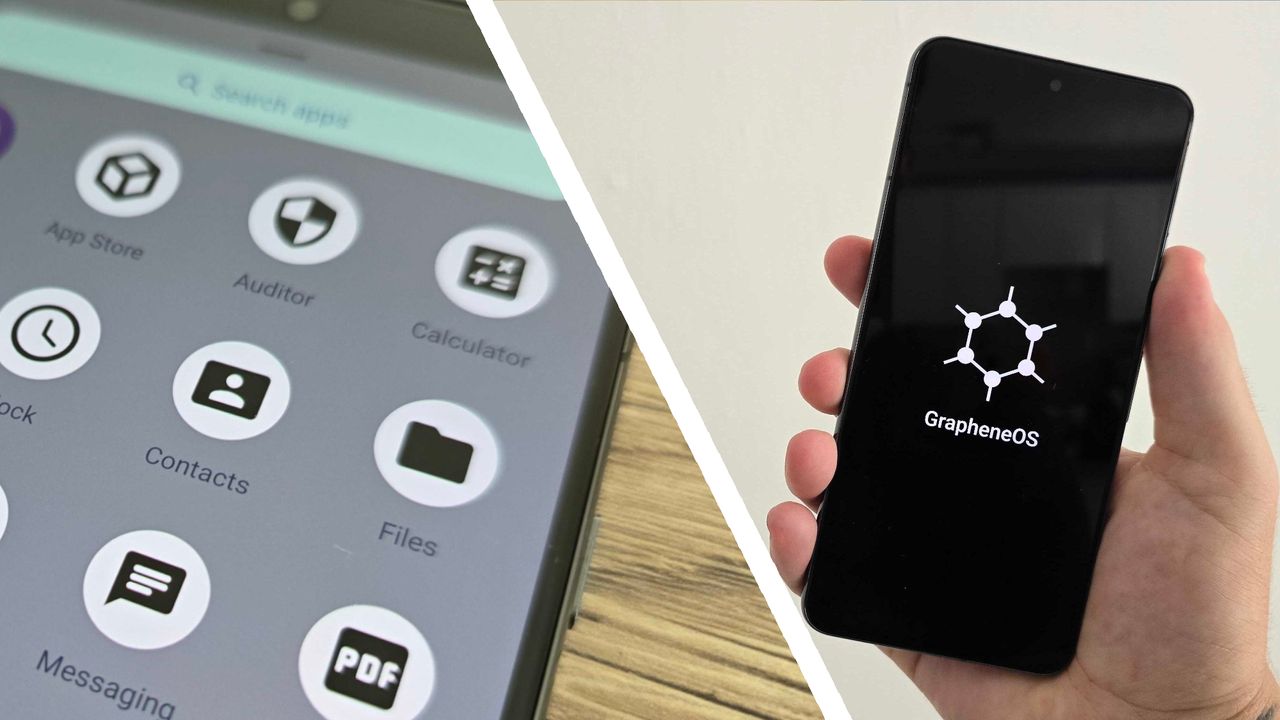
I don’t often consider ditching Android, but GrapheneOS, a privacy-focused alternative, poses an interesting question: what security features am I missing out on by using Google’s mobile operating system (OS)?
GrapheneOS is an open-source mobile OS, designed for Google Pixel phones (and soon Motorola devices), that promises better security capabilities like improved sandboxing, exploitation protections, and more complete vulnerability patching.
But what compromises does GrapheneOS ask you to make for all this added security — and more importantly, are they worth the trade-off? I spent a month testing GrapheneOS on a Pixel 8 Pro to find out.
The first glance
Switching to an alternative, specialized OS is never going to be as simple as setting up a regular Android phone. That said, after only 10 minutes setting up GrapheneOS via the GrapheneOS website, I quickly found myself looking at something that, at a glance, resembled the Android I normally use.
The GrapheneOS home screen is near app-less, but it’s by no means unfamiliar. The software keeps the functionalities of the Android app drawer and quick control panel, and the menus are near-identical. App icons also retain a similar design to Android proper.
Yes, it’s a strange feeling to load up an Android phone that doesn’t have a single drop of ‘Google’ about it. There’s no Play Store, Gmail, or Docs to speak of in GrapheneOS by default. But, if anything, this is an instant reminder that this software aims to take control of your data from Google and give it back to you.
What’s more, since the choices are now yours when it comes to your data, you can always choose to reinstate the tools you need.
Getting to grips
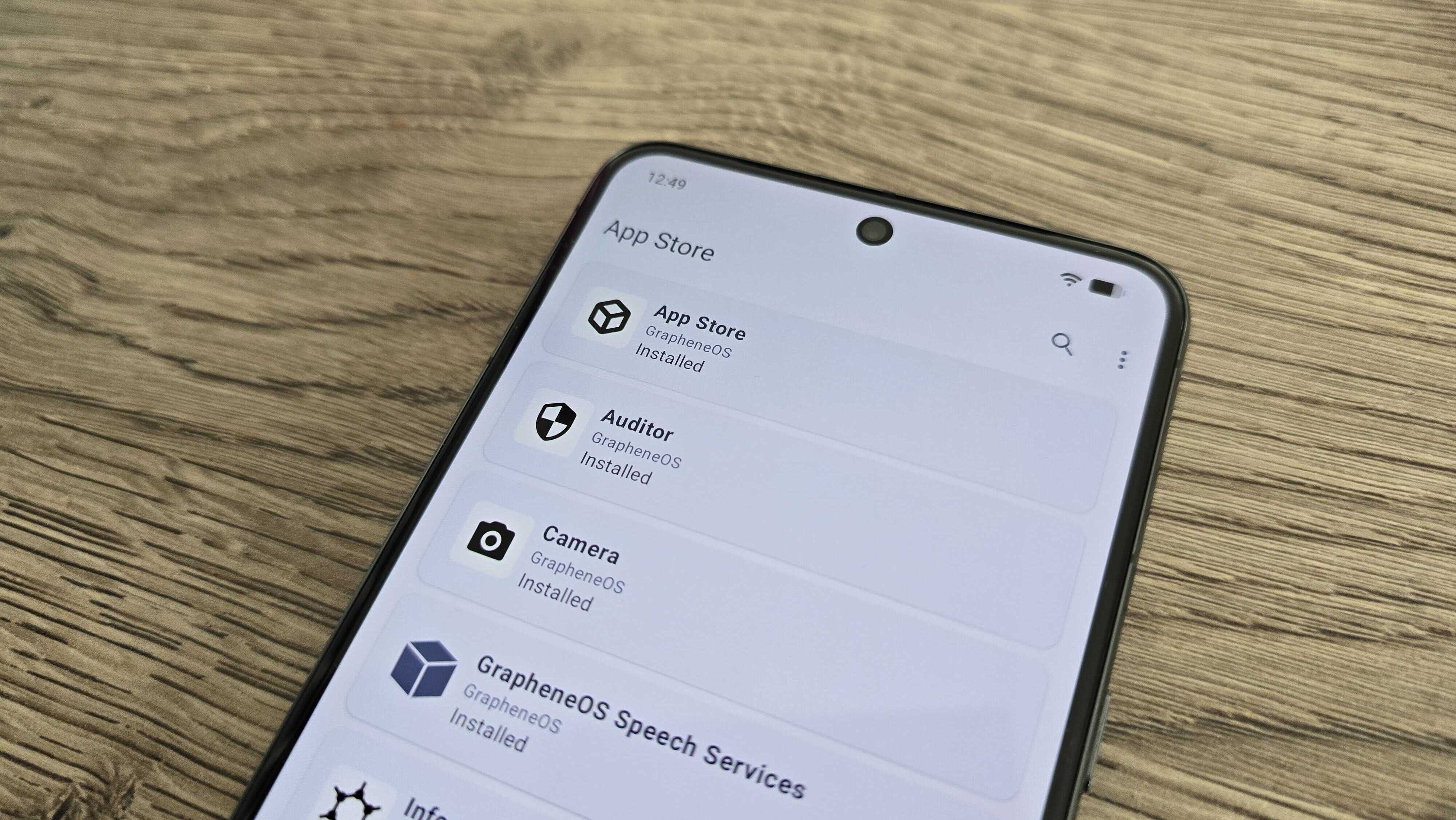
And so, my first port of call when using GrapheneOS for the first time was to reinstall the Google Play Store from within the software’s own App Store. That might seem like a bonkers move, but here’s why doing so is crucial.
GrapheneOS’s App Store is limited. Aside from a few essentials such as a calculator, camera, and the like, there’s little there. The key inclusions? Accrescent, a private app store primarily filled with open-source solutions to everyday phone uses, and the Google Play Store and Play Services.
But GrapheneOS sandboxes the Google Play Store and Play Services much like it would any other app. This means that, unlike on regular Android where, as several legal cases have proven, Google can pinch data as it likes, GrapheneOS restricts its background capabilities and general permissions.
This gives you control of all the usability features you’d see on the front end, such as notifications and location or network access, and there’s no need to worry about unwanted Google access behind closed doors.
What this also means is that, if you’re truly privacy-conscious, you can still install VPNs, antivirus software, password managers, and more that’d otherwise be out of reach if you relied on only what’s available directly.
Preventing overreach
One of the core principles of GrapheneOS is stopping unnecessary data sharing and reducing the risk of attacks that come from unnecessary data collection and coding. As a result, no app downloaded in GrapheneOS is quite what you’d get on regular Android, but thankfully, you’ll probably never notice — for two key reasons.
Key permissions, such as network or microphone access, are the user’s to permit before using an app, meaning you can ensure the apps you use have only the permissions they need. Meanwhile, background problems such as covert data sharing and storage risks are handled automatically by GrapheneOS.
In short, you can install all the apps you need, use them as normal, and know they’re not collecting or spreading your data in ways you’re unaware of. What’s more, aside from a few instances I’ll cover later, GrapheneOS is near flawless at policing this data.
If you’re after other, more technical protections, you can dive into settings. Aside from the regular Android options, you also get a new area called ‘Exploit Protection’. Here, you can set up your phone to protect against threats such as juice jacking (stealing data or installing malware via USB ports), or unwanted Wi-Fi and Bluetooth connections
With all of these options available, what quickly became apparent is how integral such settings are to keeping security measures from impacting everyday use. GrapheneOS’ features were explicitly in my control to ensure apps functioned properly without overreaching, and background processes either needn’t be tampered with or could be set once and left. All without remotely impacting overall device efficiency.
I used GrapheneOS with a Pixel 8 Pro for a month, and I never once noticed my battery life drain more than usual, nor encountered any unexpected performance dips. This is despite me using the phone for gaming — enabling only the Google services required to do so — streaming, and everything else I’d normally expect to do on my device.
The inevitable compromise
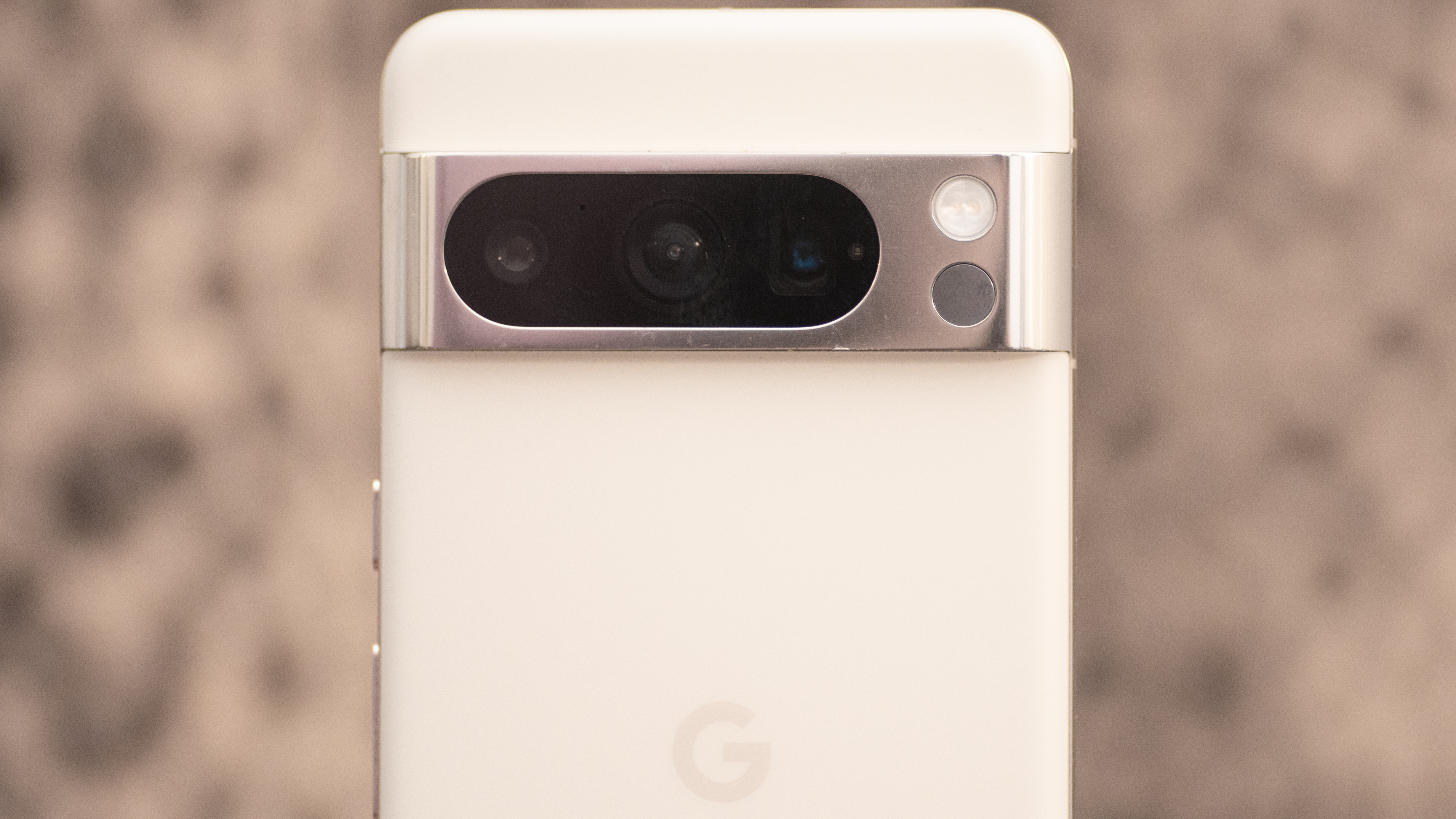
Compared to other privacy-focused mobile solutions, GrapheneOS is without a doubt one of the least detrimental to your mobile experience. But it’s not perfect.
First off, if you want to use it, you need a Pixel phone. Ironically, despite the OS aiming to give you some distance from Google’s overreaching services, its devices are the only ones with the required security capabilities to install GrapheneOS properly. So if, like me, you’re used to literally any other Android device, you’re out of luck (though Motorola phones are supposedly joining the ranks soon).
Second, GrapheneOS is not flawless at everything. In the time I spent using the software, banking apps and Android Auto (once downloaded) proved to be near-impossible to get to work regularly. There’s a bunch of support available on the GrapheneOS website if you’re willing to tinker to fix issues, but again, it’s not quite the seamless compatibility you’d get with regular Android.
Would I make the switch to GrapheneOS?
From a month of using it, it’s easy to see why GrapheneOS is gaining traction. It’s super secure, even going as far as to patch VPN vulnerabilities before regular Android gets the chance, and, unlike the best privacy-focused phones, using it with a premium Pixel phone means there’s far less of a drop in performance.
That said, its current restriction to Pixel phones is far from ideal for techies, and there’s still just enough incompatibility with certain types of apps to be a frustration day to day. Google Pay doesn’t work, leaving you needing to use alternatives such as Curve or a paired smart watch; many banking apps limit functionality, and you’ll likely be left wondering if any app-related problems you encounter are down to the OS.
It’s also unfortunate that, as yet, there’s little reason not to make the Play Store your first install. Open-source app-lovers will find some comfort in the options available in the Accrescent store, but even, so there’s very little to choose between. Before you know it, your ‘Google-free’ phone is more of an Android device on a tighter leash.
So while GrapheneOS is brilliant in some aspects compared to most privacy solutions, it definitely leaves me wanting more. For now, it’s a ‘no’ from me.
Given time and wider compatibility, it’d be easy to recommend GrapheneOS given its added security capabilities in a world of growing threats. But with the availability of tools such as VPNs and antiviruses on regular Android, non-security-focused individuals are unlikely to see enough difference to warrant the current frustrations GrapheneOS can bring.

